
 +44 7459 302492
 training@uplatz.com





( 10 Students )


InfluxDB
Master Time Series Data Management with InfluxDB – Build Real-Time Monitoring and Analytics Solutions from ScratchPreview InfluxDB course
Price Match Guarantee Full Lifetime Access Access on any Device Technical Support Secure Checkout Course Completion Certificate 96% Started a new career
BUY THIS COURSE (
96% Started a new career
BUY THIS COURSE (GBP 10 GBP 29 )-
 85% Got a pay increase and promotion
Students also bought -
-

- Data Engineering
- 10 Hours
- GBP 10
- 10 Learners
-

- Data Engineering with Talend
- 17 Hours
- GBP 10
- 540 Learners
-
- Data Governance
- 4 Hours
- GBP 10
- 276 Learners
-
A server performance dashboard using Telegraf + InfluxDB + Grafana
-
An IoT sensor analytics system with alerts and trends
-
A custom application metrics pipeline for high-throughput logging
-
Set up and configure InfluxDB 1.x and 2.x
-
Use InfluxDB’s powerful query language (InfluxQL and Flux)
-
Optimize data retention with retention policies and downsampling
-
Build visual dashboards and alerts with Grafana
-
Integrate with tools like Telegraf, Prometheus, and MQTT
-
DevOps engineers and SREs building system monitoring pipelines
-
IoT developers managing sensor data at scale
-
Data engineers working with streaming time-series data
-
Software engineers tracking application logs and metrics
-
Anyone working in observability, monitoring, or telemetry
-
Follow the Setup First – Understand differences between InfluxDB versions
-
Practice Real Scenarios – Implement provided dashboards and then try your own
-
Get Fluent in Queries – Use both InfluxQL and Flux for full flexibility
-
Document Metrics – Track what you monitor, structure your tags and fields
-
Explore Grafana – Customize graphs, thresholds, and alerting
-
Secure Your Instance – Enable auth, SSL, and user roles
-
Use Telegraf Early – Automate data collection from your systems
Course/Topic 1 - Coming Soon
-
The videos for this course are being recorded freshly and should be available in a few days. Please contact info@uplatz.com to know the exact date of the release of this course.
By the end of this course, you will be able to:
-
Understand InfluxDB architecture, storage engine, and data model
-
Build time-series databases and schemas tailored to real-world needs
-
Use Telegraf to collect system and application metrics
-
Query and analyze data using InfluxQL and Flux
-
Visualize trends and anomalies with Grafana
-
Secure and monitor your InfluxDB instance in production environments
Course Syllabus
Module 1: Introduction to Time Series and InfluxDB
-
What is Time Series Data?
-
Overview of InfluxDB and Use Cases
-
Differences Between InfluxDB 1.x and 2.x
Module 2: Installing and Running InfluxDB
-
InfluxDB Local Setup (Linux, Mac, Docker)
-
Configuring Users, Buckets, and Auth
-
Starting and Accessing the Web UI
Module 3: InfluxDB Data Model
-
Measurement, Tags, Fields, and Timestamps
-
Best Practices for Schema Design
-
Avoiding High Cardinality Issues
Module 4: Writing Data to InfluxDB
-
Manual Data Insertion via CLI and API
-
Writing CSV and Line Protocol
-
Using Client Libraries (Python, Node.js)
Module 5: Querying with InfluxQL and Flux
-
Introduction to InfluxQL Syntax
-
Filters, Aggregates, and Grouping
-
Using Flux for Advanced Queries and Joins
Module 6: Data Retention and Downsampling
-
Creating and Applying Retention Policies
-
Continuous Queries
-
Managing Storage and Archiving
Module 7: Telegraf for Metrics Collection
-
Installing Telegraf Agents
-
Configuring Input Plugins (CPU, Disk, Docker, etc.)
-
Output to InfluxDB and MQTT
Module 8: Building Dashboards with Grafana
-
Connecting InfluxDB to Grafana
-
Designing Custom Dashboards
-
Alerting and Threshold Monitoring
Module 9: Advanced Integration and Use Cases
-
InfluxDB + MQTT for IoT
-
InfluxDB + Prometheus
-
Custom Alerts and Notification Channels
Module 10: Securing and Scaling InfluxDB
-
Authentication and Authorization
-
HTTPS and SSL
-
Clustering and Performance Tuning
Module 11: Projects and Capstone Exercises
-
Real-Time IoT Dashboard
-
Infrastructure Monitoring System
-
Fleet Vehicle Telemetry and Alerts
Module 12: InfluxDB Interview Questions & Answers
-
Conceptual Questions
-
Architecture and Use Case Scenarios
-
Query and Integration Challenges
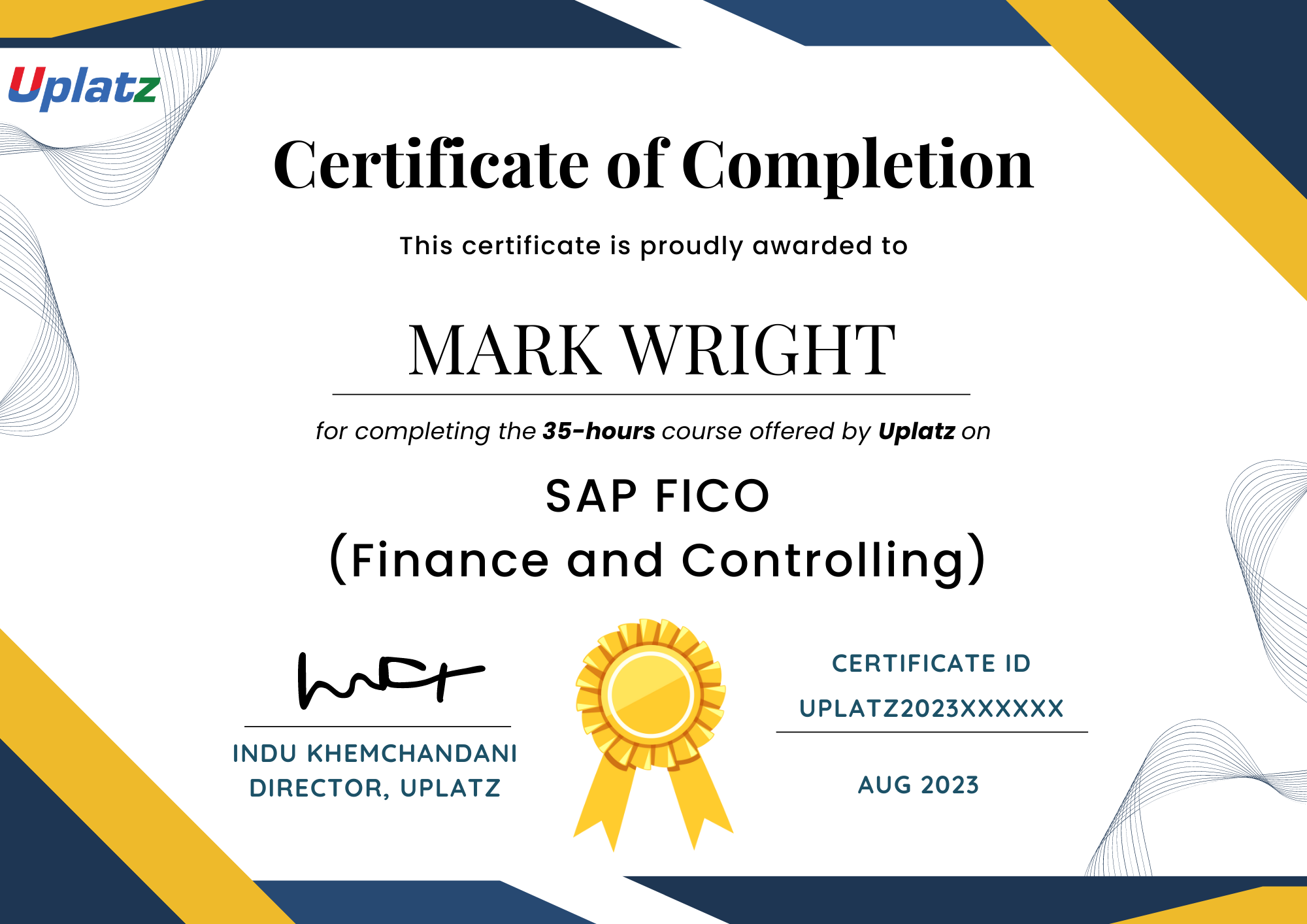
Upon successful completion of the course, learners will receive an industry-recognized Certificate of Completion from Uplatz. This certificate validates your expertise in handling time series data and building monitoring and analytics pipelines using InfluxDB. It is ideal for enhancing your resume and proving your skills for roles involving DevOps, observability, or data engineering.
With the rise of IoT, microservices, and real-time analytics, InfluxDB skills are highly in demand. Completing this course prepares you for roles such as:
-
Observability Engineer
-
DevOps / SRE
-
IoT Data Analyst
-
Infrastructure Monitoring Specialist
-
Time Series Data Engineer
-
What is InfluxDB and what is it used for?
Answer: InfluxDB is a purpose-built database for storing and querying time series data. It is used in monitoring systems, IoT applications, DevOps, and analytics platforms to track metrics, logs, and events over time. -
What are the components of the InfluxDB data model?
Answer: The core components are:-
Measurement (like a table)
-
Tags (indexed metadata)
-
Fields (actual data values)
-
Timestamp (time of data collection)
-
-
What is the difference between InfluxQL and Flux?
Answer:-
InfluxQL is SQL-like and supported mainly in InfluxDB 1.x
-
Flux is a functional query language used in InfluxDB 2.x that supports joins, transformations, and scripting logic.
-
-
How is data written to InfluxDB?
Answer: Data can be written using the HTTP API (via Line Protocol), client libraries (Python, Node.js), CLI tools, CSV import, or agents like Telegraf. -
What are Retention Policies and why are they important?
Answer: Retention Policies define how long data is stored in InfluxDB. They help manage disk space and automate deletion of old data. -
What is Telegraf and how does it relate to InfluxDB?
Answer: Telegraf is a metrics collection agent that reads system/app metrics and forwards them to InfluxDB using plugins for CPU, disk, network, Docker, etc. -
How do you avoid high cardinality in InfluxDB?
Answer: Avoid using too many unique tag values (e.g., user IDs) and instead store high-cardinality data in fields. Also, consider data aggregation or downsampling. -
How is InfluxDB secured?
Answer: InfluxDB supports user authentication, role-based access control, HTTPS encryption, and token-based API access. These are essential in production deployments. -
Can InfluxDB be used with Grafana?
Answer: Yes, InfluxDB integrates natively with Grafana. You can use it as a data source to build dashboards, set up alerts, and visualize time series metrics. -
What are common use cases for InfluxDB?
Answer:-
System monitoring (CPU, memory, disk)
-
IoT sensor data tracking
-
Application performance metrics
-
Energy and environmental data
-
Stock market or financial tick data
-